Back to articles
Knowledge Base·August 22, 2022·1 min read
Assign daily content limit
In the last update 1.8.2 of Taggify's Digital Signage, developers were super busy and optimized several things these days. One of these improvements is related to assigning a daily limit of content.
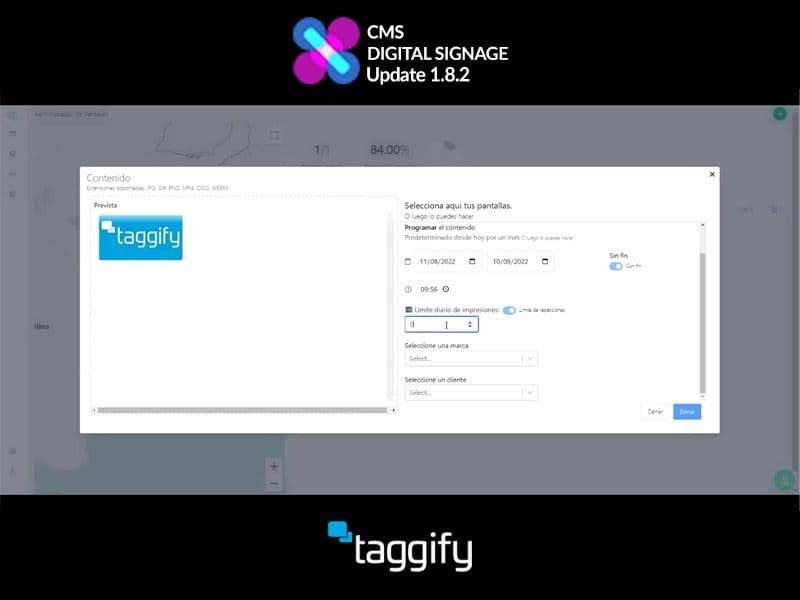
In the section "Contents" we select the content we want to check or modify, once clicked you'll obtain more information about it, like duration dates, file name, etc.
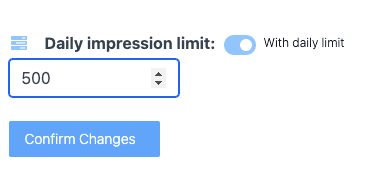
Below the Customer selection, we choose our screen and configure it as usual, but from now on, we can set a daily content limit by clicking the switch and enabling it to assign the amount.
Back to articles
UpdateDOOHdaily content limitcustomertutorial